 Help Center
Activating a Nintendo key is really easy, simply follow these short steps:
- First, you need to visit https://ec.nintendo.com/redeem and login to your Nintendo account.
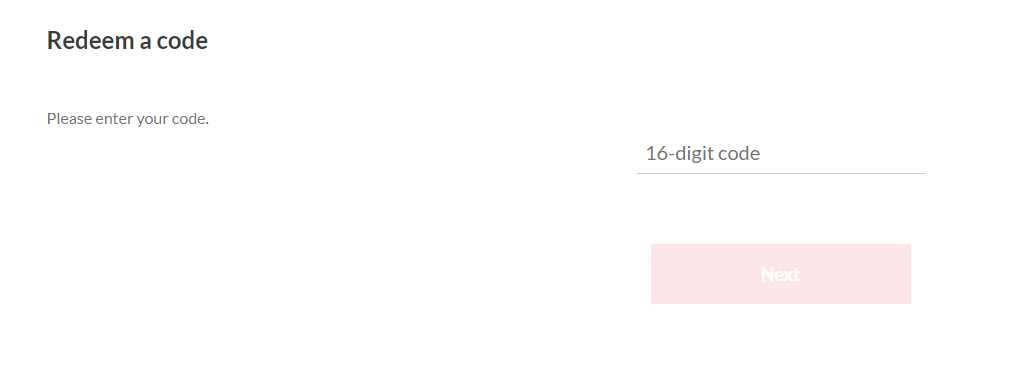
2.Now type the code you’ve received and click Next.
3.Now type your password again and click Redeem.
4.That’s all. In the next step, Nintendo will confirm your redemption.
IMPORTANT!
Sometimes the key may seem invalid and it requires changing your Nintendo Account region. Here’s a quick guide on how to do it:
- Go to accounts.nintendo.com and Sign In.
- Once logged in, click on User Info and select Edit in the Profile section.
- Change the Country or region of residence to a different location - prefferably United States or Germany.
- Select "Save Changes" and agree to the guidelines.
- Now, restart your device and try activating your key again.
Kindly make sure you try this method before contact our support team.
Once you activate your key, you can undo any changes made and choose your actual account region. Rest assured, this will not harm your account or impact your device’s performance.
The key is still not working
If you have activated the key according to the guide but the code appears not to work, please check what type of error message you receive and depending on it follow the appropriate instructions: